
Your HALT folio, built step by step and checked before you submit.
The QCT HALT Folio Builder walks you through every Stage 1 and Stage 2 requirement for Highly Accomplished and Lead Teacher certification, flags what's missing, and turns your evidence into print-quality A4 PDFs. It runs offline in your browser, and nothing is ever uploaded.
See the whole builder in under a minute and a half.
From your profile and key dates to the finished Stage 2 PDF, recorded straight from the builder's demo folio. No sound needed.
The process changed. The checklist didn't get shorter.
The QCT's October 2026 guidelines replaced the old 37-descriptor, 60-artefact model with two stages. Every one of these rules applies to your 2027 application.
Applications are returned when components are incomplete, signatures are missing, images or documents are illegible, files are corrupted or can't be opened, or uploads go over the 2GB limit. The builder checks for each of these before you submit.
One tidy tab that knows every one of these rules, and checks your folio against them as you write.
Get the folio builderCan you meet all seven Standards on balance?
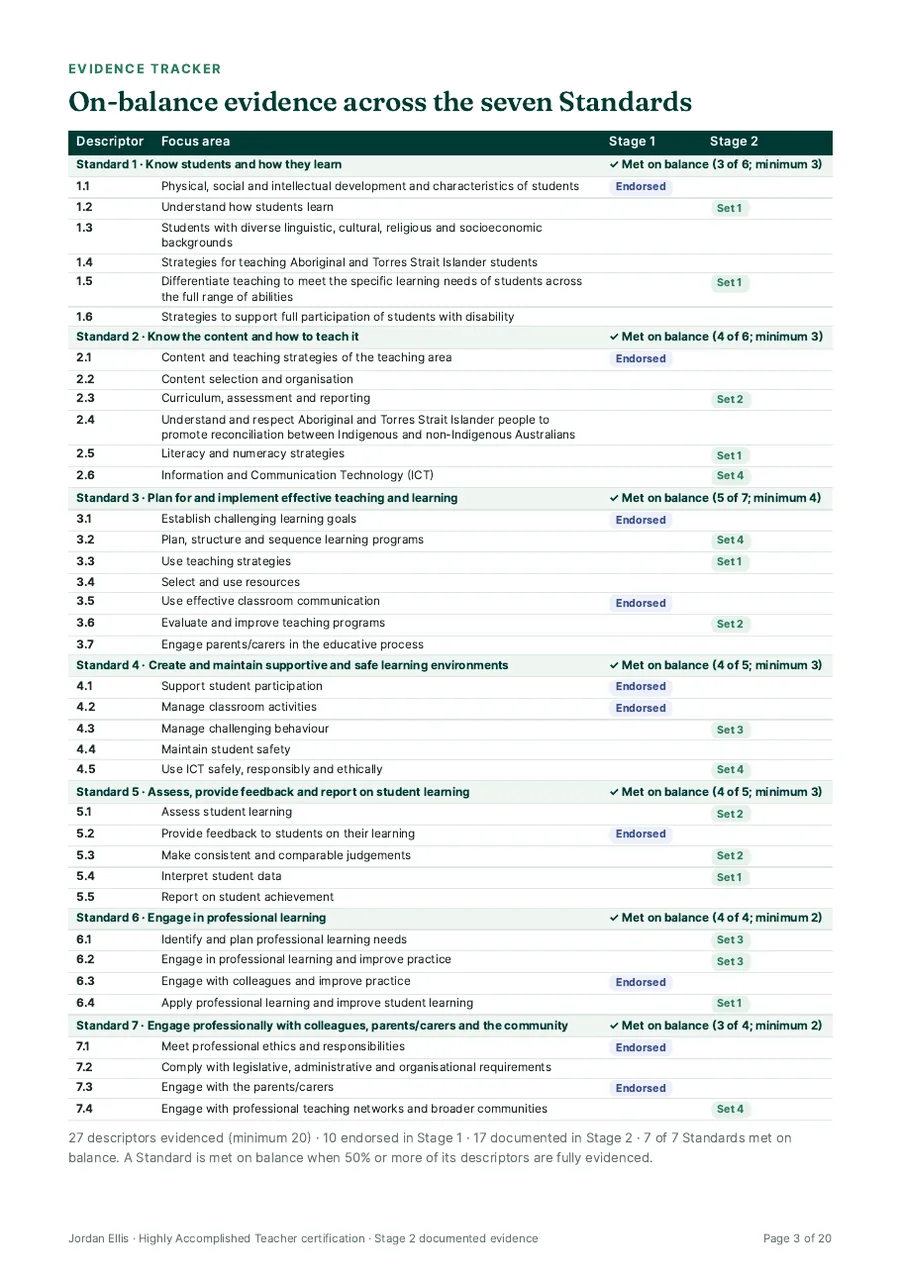
A cut-down version of the tracker inside the builder, loaded with the demo applicant's folio. Tap a descriptor once to mark it endorsed in Stage 1, again for documented in Stage 2, and a third time to clear it.
From blank page to finished folio in four stages.
Open one file in Chrome or Edge. A demo folio and a 21-tip guided tour show you every feature before you start your own. Each step plays in turn, or tap one to jump to it.
Print-quality A4 documents, evidence embedded.
Your signed forms, highlighted CPC and uploaded PDFs are embedded page by page, so an assessor never has to chase a link. Exports carry only your content, with no store branding.
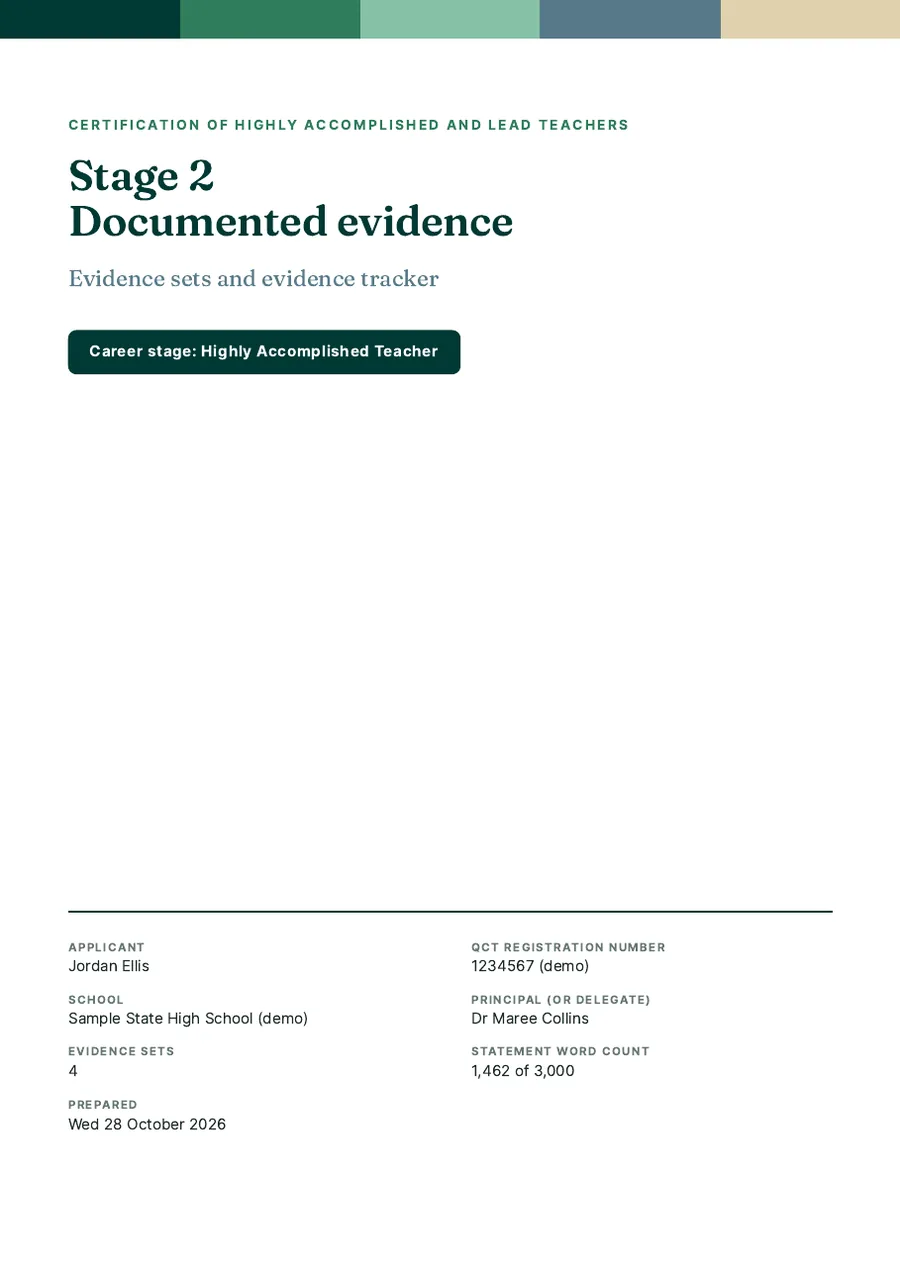
- 01Stage 1 application packEndorsement, lesson plan, context statement, CPC and observations
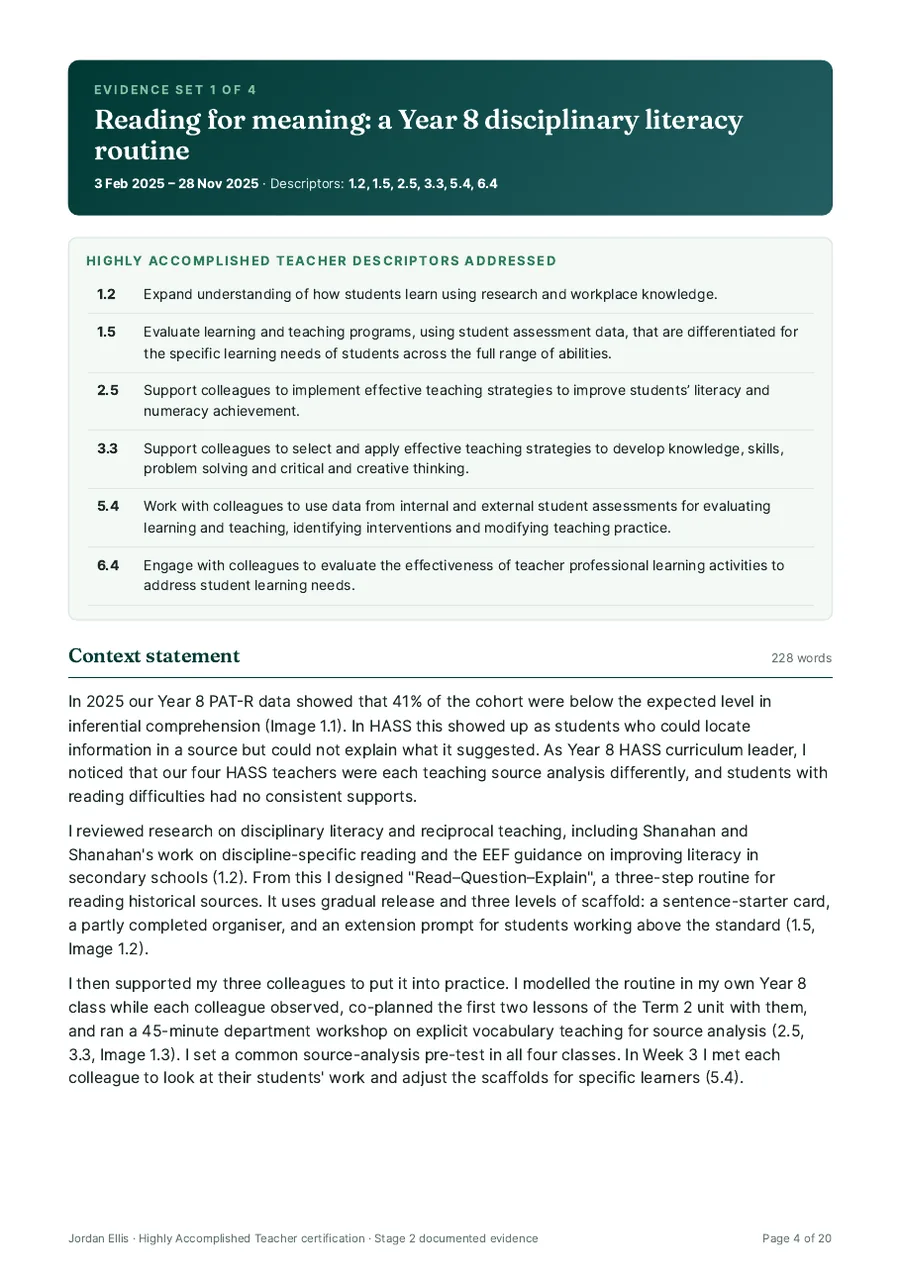
- 02Stage 2 documented evidenceUp to five evidence sets with numbered, titled images
- 03One-page evidence trackerEvery descriptor across the seven Standards
- 04Principal conversation briefTwo pages of talking points for your endorsement meeting
Plus a word-count declaration, and a Word export of your statements for the official templates.
Everything a HALT folio needs, in one tab.
Built from the QCT's 2027 guidelines and the HALT certification policy, for both the Highly Accomplished and Lead career stages.
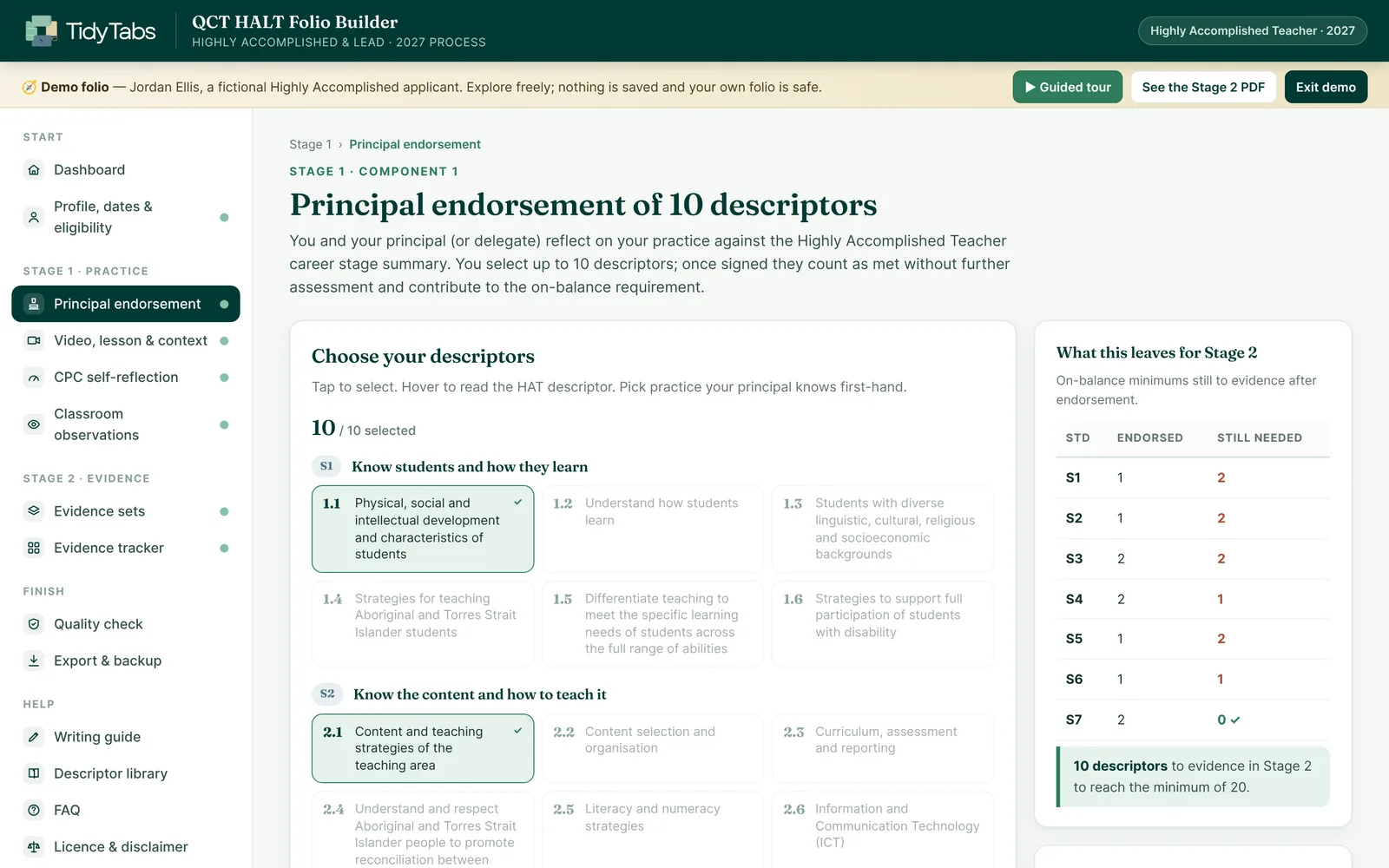
Choose your 10 and see what's left
As you pick descriptors, a live panel shows how many each Standard still needs, so you can spread your endorsement and make Stage 2 lighter.
- Hover any descriptor for the HA or Lead wording
- Talking points feed a two-page principal brief
Prompts at your elbow
Context and impact prompts follow the QCT's definitions. Word counts update as you type, and your 3,000-word budget is tracked across every set.
- Numbered image slots (Image 1.1 to 1.9) to refer to
- Signpost descriptors as you write, like (2.3)
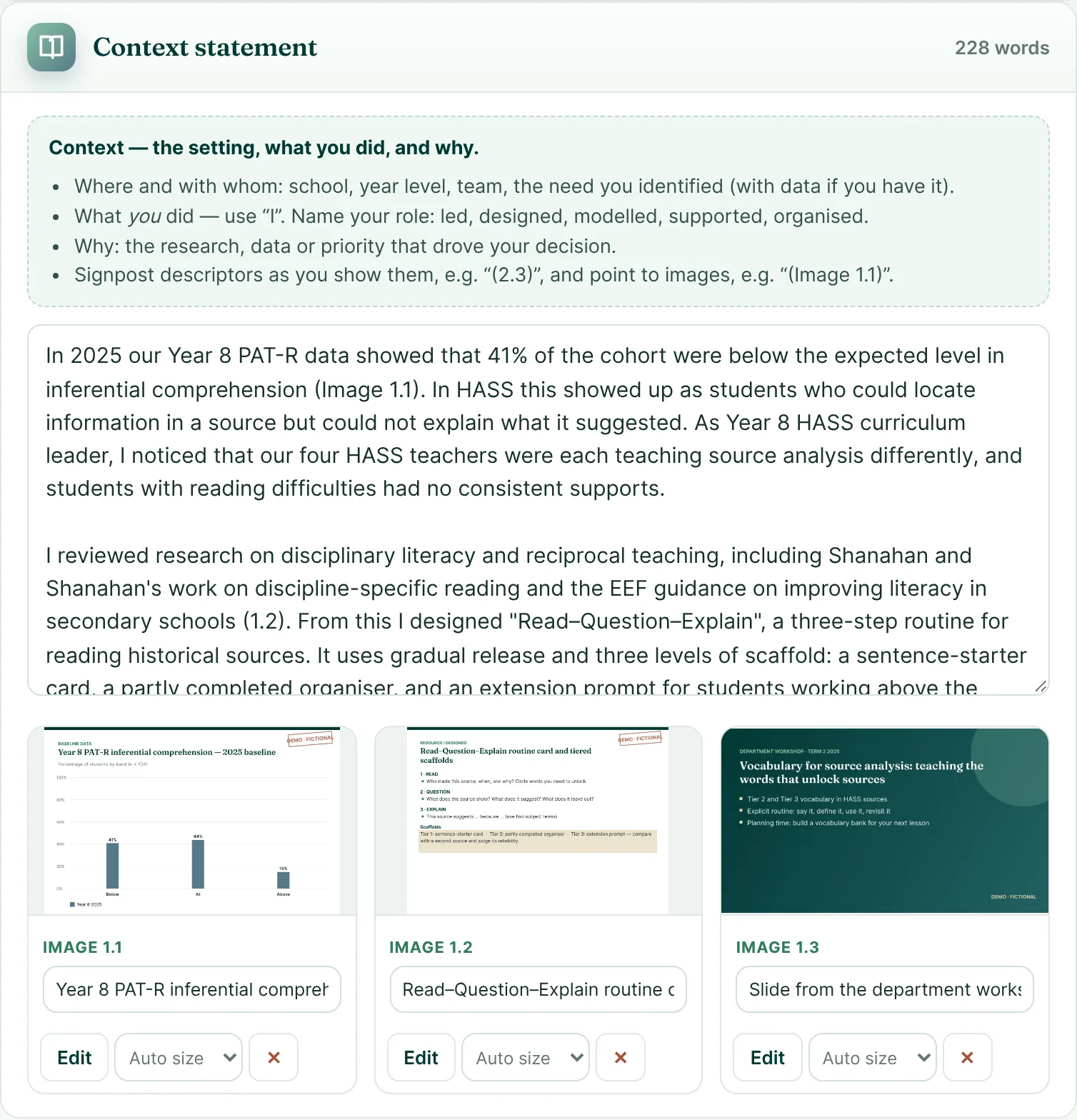
Know what an assessor will look for
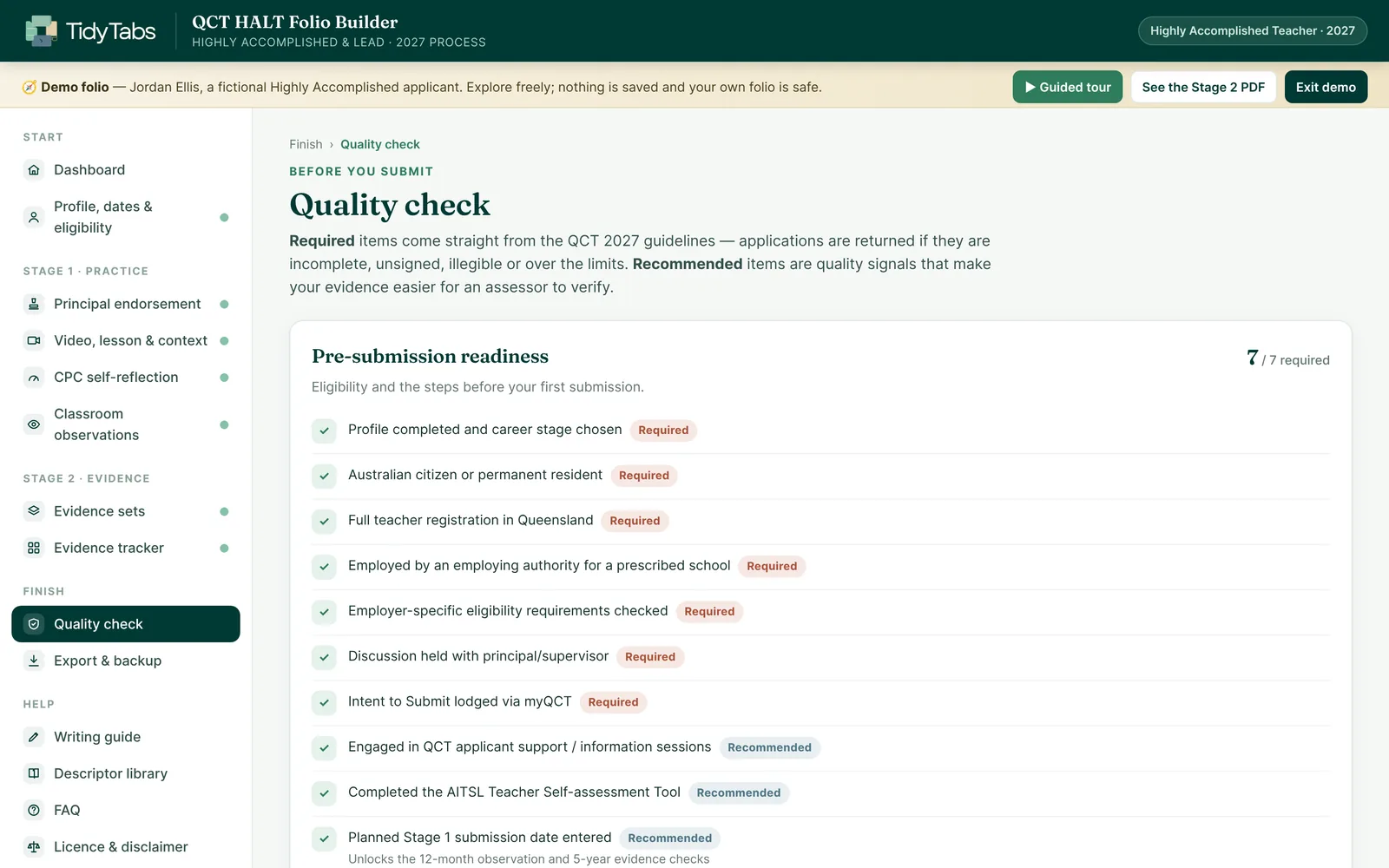
Red items are QCT requirements. Gold items are the quality signals that make evidence easy to verify: impact with measurable data, "I" rather than "we", career-stage language and dated, titled images.
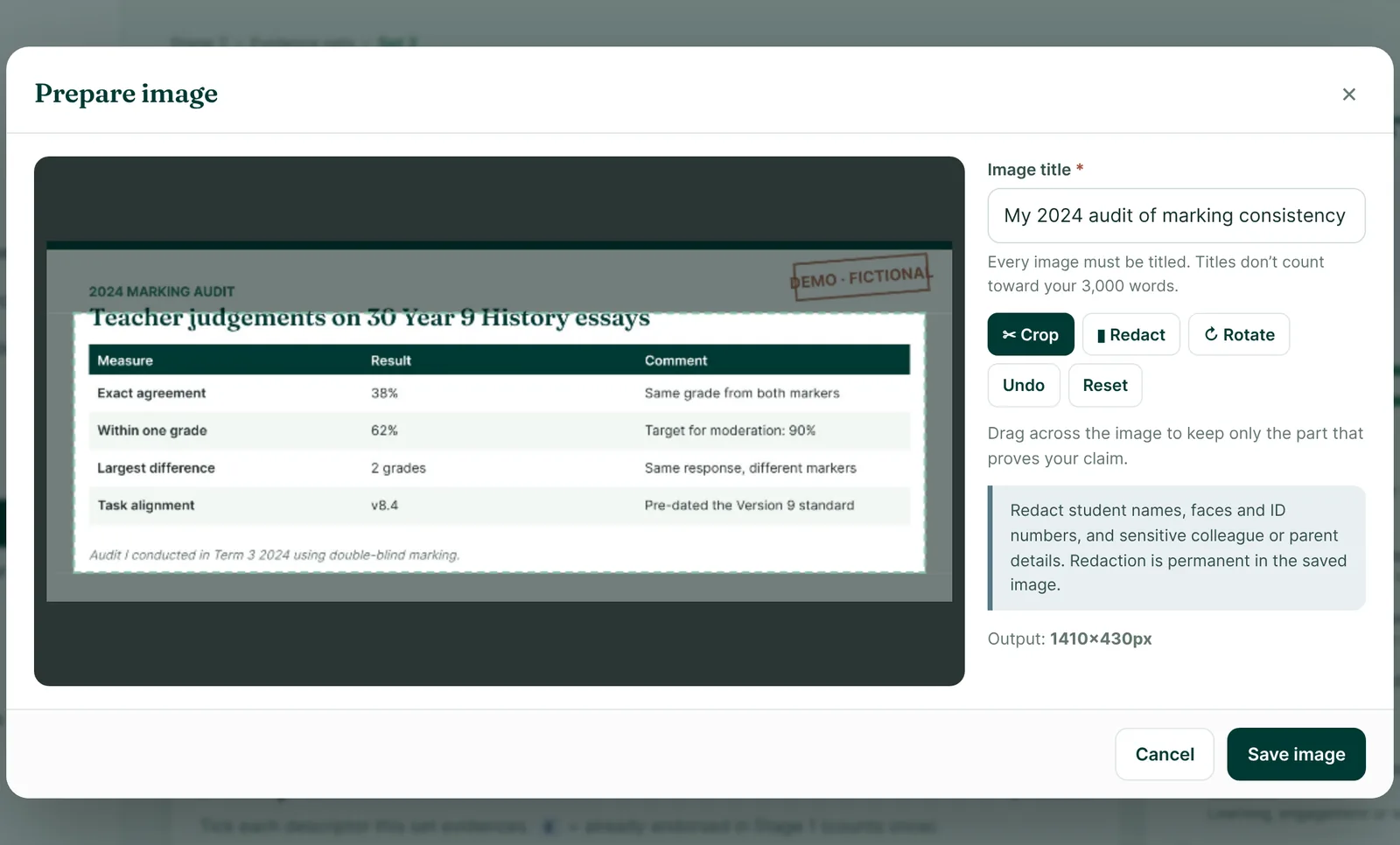
Crop to the proof. Black out the names.
Pick any page from a PDF, crop to the extract that proves your claim, redact student names and faces, and give it the title the QCT requires. Redactions are permanent.
Your video, mapped
Check length and segments against the limits, then map moments in your lesson to the Classroom Practice Continuum.
Windows worked out for you
The 12-month observation window, the 5-year evidence window and your 10-week Stage 2 deadline, from one date.
Learn it in minutes
A worked demo folio and a 21-tip guided tour show every feature before you start.
Both career stages
Choose your stage and every descriptor, CPC target level and language check switches to match.
Move computers safely
One backup file holds everything, images included, and restores in a click.
Help when you need it
An illustrated user guide with screenshots, plus a built-in FAQ.
A template gives you boxes. This checks what goes in them.
Templates and checklists leave the counting, date maths and formatting to you. The builder does it live while you write.
| What you need | Blank template | Word + checklists | HALT Folio Builder |
|---|---|---|---|
| Follows the 2027 two-stage process | Depends on the template | If you build it yourself | Built in |
| On-balance tracking across 7 Standards | — | Manual counting | Live |
| 3,000-word and 9-image limits checked | — | Manual | Live |
| 12-month and 5-year date windows | — | — | Calculated |
| Quality signals in your statements | — | — | As you write |
| Crop, redact and title images | — | Separate apps | Built in |
| Print-quality PDF with documents embedded | Varies | Varies | Four documents |
| Private: no account, no uploads | Varies | Depends where it's saved | Offline |
Your evidence never leaves your computer.
Student data, colleague feedback, your video notes and principal conversations are sensitive. The builder is a single file that runs in your browser with every outgoing connection blocked, so nothing is ever uploaded.
What teachers say
Reviews come from verified buyers through our checkout provider, Payhip, and are shown word for word. Read every review
What you get
- The QCT HALT Folio BuilderOne file that opens in Chrome or Edge, for both the Highly Accomplished and Lead career stages.
- A demo folio + 21-tip guided tourA worked sample applicant to learn from before you start your own.
- 15-page user guide with screenshotsStep-by-step help for every page of the builder.
- Four export documents + a Word exportBackup and restore built in. A one-off purchase with no subscription and no account.
The QCT charges A$850 for Stage 1 and A$650 for Stage 2. A returned or unsuccessful application costs time you don't get back.
One-off payment in Australian dollars through Payhip's secure checkout. Your download link arrives by email straight away.
Each licence is for one teacher. Please don't share the file by email, USB, a school network or cloud storage. Licence terms
Before you buy
Still unsure? These are the questions HALT applicants ask most.
Does it follow the 2027 HALT process?
Does it work for Lead Teacher too?
Will it write my evidence for me?
Is it endorsed by the QCT or AITSL?
Where is my evidence stored?
What do I need to run it?
Can I buy for colleagues?
How long does it take to learn?
How do I get it after paying?
What if it doesn't work for me?
Spend your time on your evidence, not on formatting it.
Get the builder, open the demo, and have your Stage 1 plan started this week.